After the drawing leaves the office, the path is still missing.
Bluebeam, AutoCAD and others stop at the print. ProjectGuider takes the job from the first site visit to final sign-off. PG AI reads the drawings, builds sales estimates and scope, then puts tasks on the crew. Built for industry leaders, by industry leaders.
Web is the light desk. The app does the AI: extract drawings, commissioning sheets, day sheets, Ask PG AI.

 Home
Home
Welcome back
Project Manager
Plans from $3.99/month · yearly coming soon
On the app
AI does the heavy lift
Upload PDF or JPEG drawings. PG AI fills scope, tasks, BOM and device list. Commissioning Excel becomes a live checklist. 3 credits per extract.
On the web
PMs keep the board
See active jobs, current phase, next step, notes and commissioned value. Add a desk note. Deep field work stays in the app.
Sales
Estimates before the job starts
Upload the drawing. PG AI pulls doors, readers, contacts, REX, cameras and the rest into a priced estimate on your letterhead. Approve it, then turn it into the project. Premium.
See SalesAbout ProjectGuider
Built for security, low-voltage and IT teams who inherit the drawings and still have no path.
Most professional tools assume you already know the system. ProjectGuider is for the project manager, lead technician and site lead who get a Bluebeam or AutoCAD package and then stall — calling the office at every step.
We mapped the real job, not a generic Gantt chart: site visit, sales and BOM, procurement, scheduling, on-site planning, detailed schedule, installation, verification, commissioning, internal walk, client / GC walk, then CFIN.
The mobile app is the product. That is where drawings are extracted, commissioning sheets become checklists, day sheets print, Ask PG AI answers, and crews check in. This website is the public face and a light portfolio so a project manager can review jobs from a browser without rebuilding the entire field tool twice.
Company
ProjectGuider is a federally registered Canadian company. Support: projectguiderofficial@gmail.com · WhatsApp +1 647-622-0041 · Call 1-888-PRO-JECT (776-5328).
Who it is for
ProjectGuider is built for IT and building-systems work: low-voltage and security integrators, CCTV and access-control shops, structured-cabling crews, and the project specialists, lead technicians and PMs who inherit the set and still have to finish the job. PG AI reads the drawings and extracts what the crew needs — doors, devices, scope — so the path does not stop at the print.
The 12-phase path
From first call to signed CFIN
Every job in the app walks this same spine. Tick a phase complete, capture notes and photos, then move. The website explains the path. The app runs it.
Resources
How to run the job
Jump a phase. Each sheet is written for field PMs — what to look for, what to collect, what “done” means.
Reference videos
Gallery & films
Workmanship the path is built around
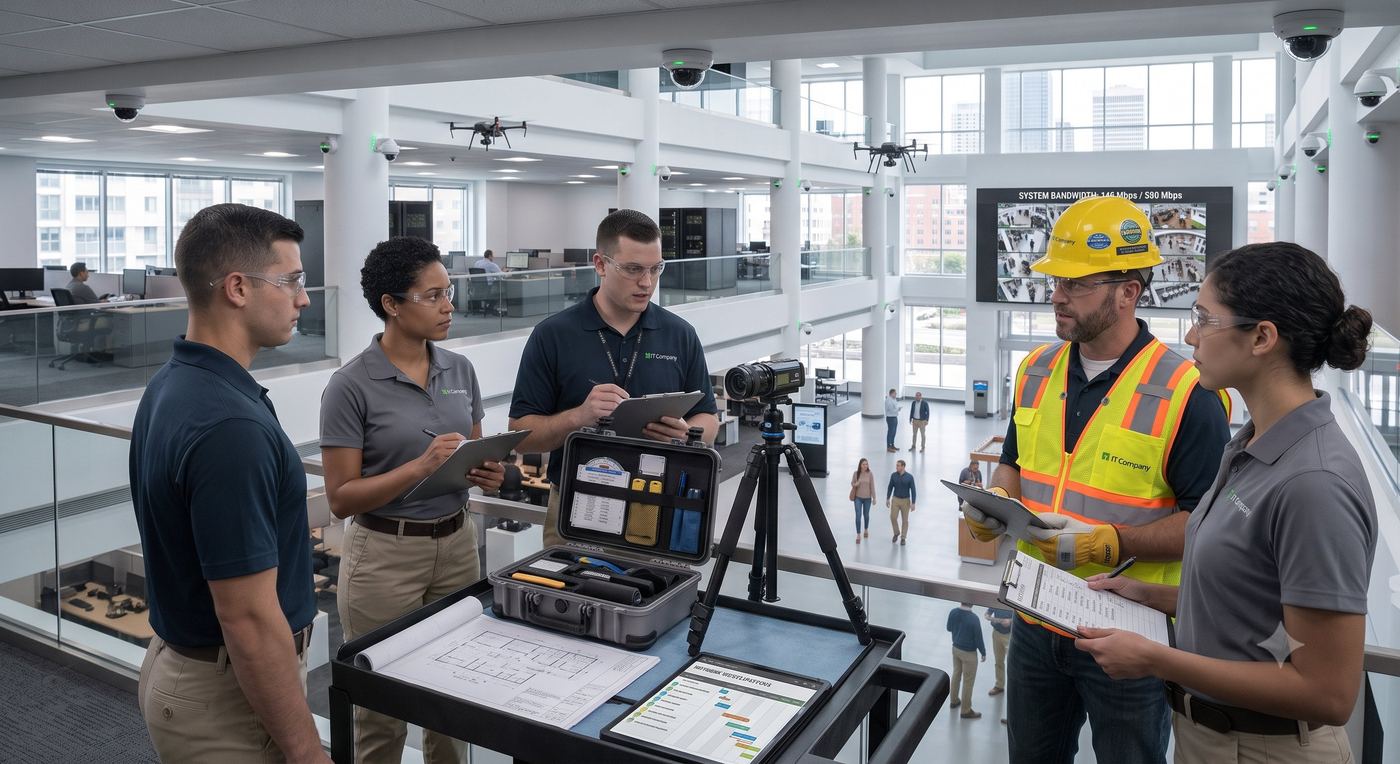
PM and crew walking the floor before install — who owns which riser, which room is live, which pathway is blocked.
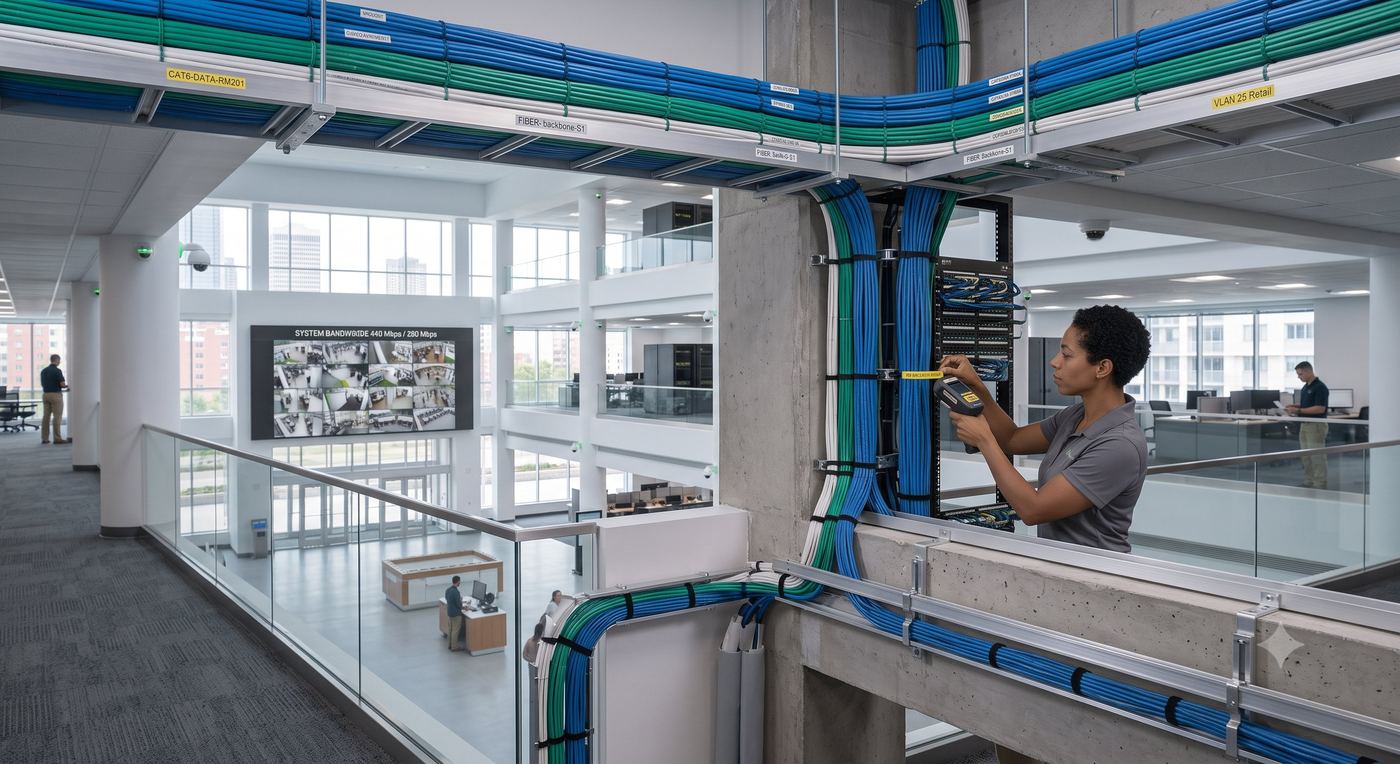
Raceways, bundles and labeled drops in a live network environment — the backbone every camera and reader rides on.
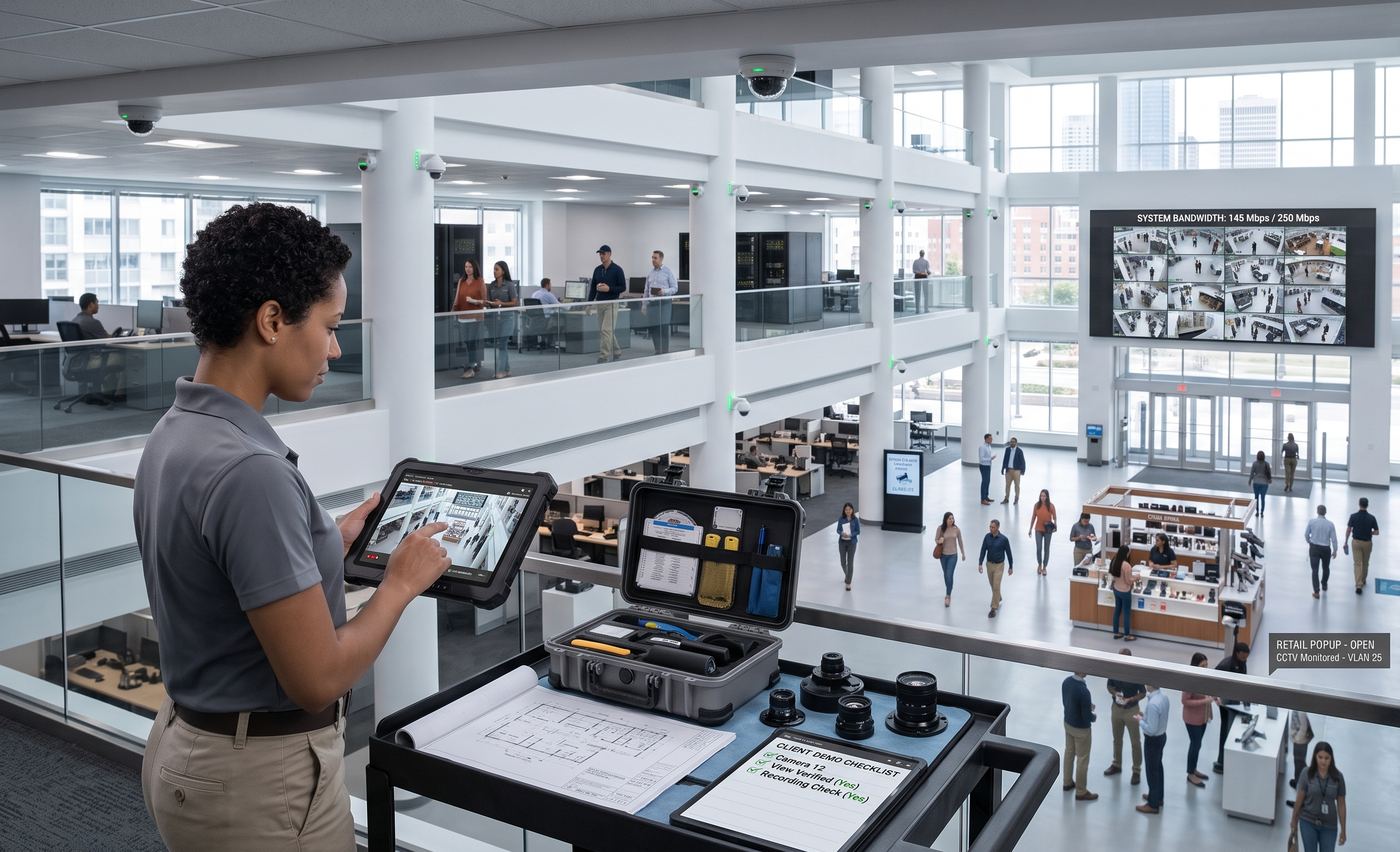
Control-room view: video wall, operator station, and the head-end that commissioning has to prove.
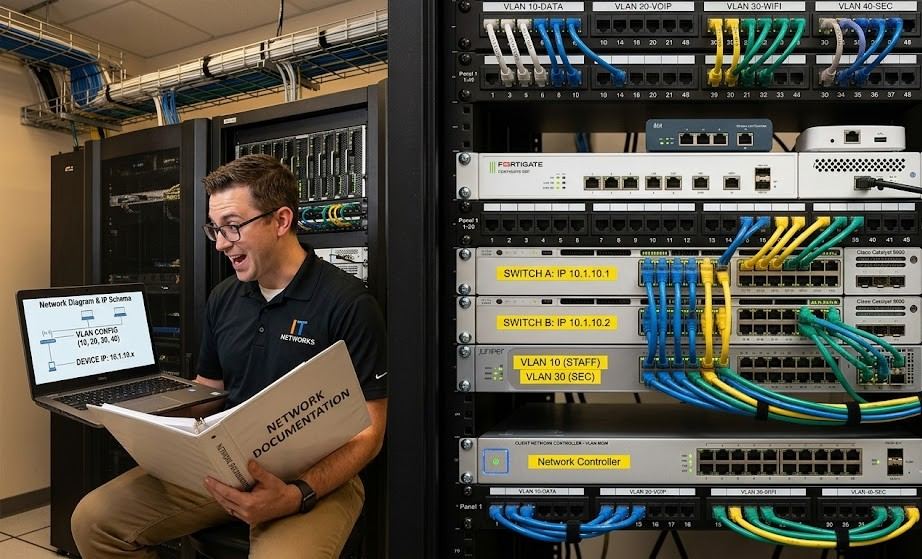
Switches, controllers and device homeruns — the integration layer between field gear and software.
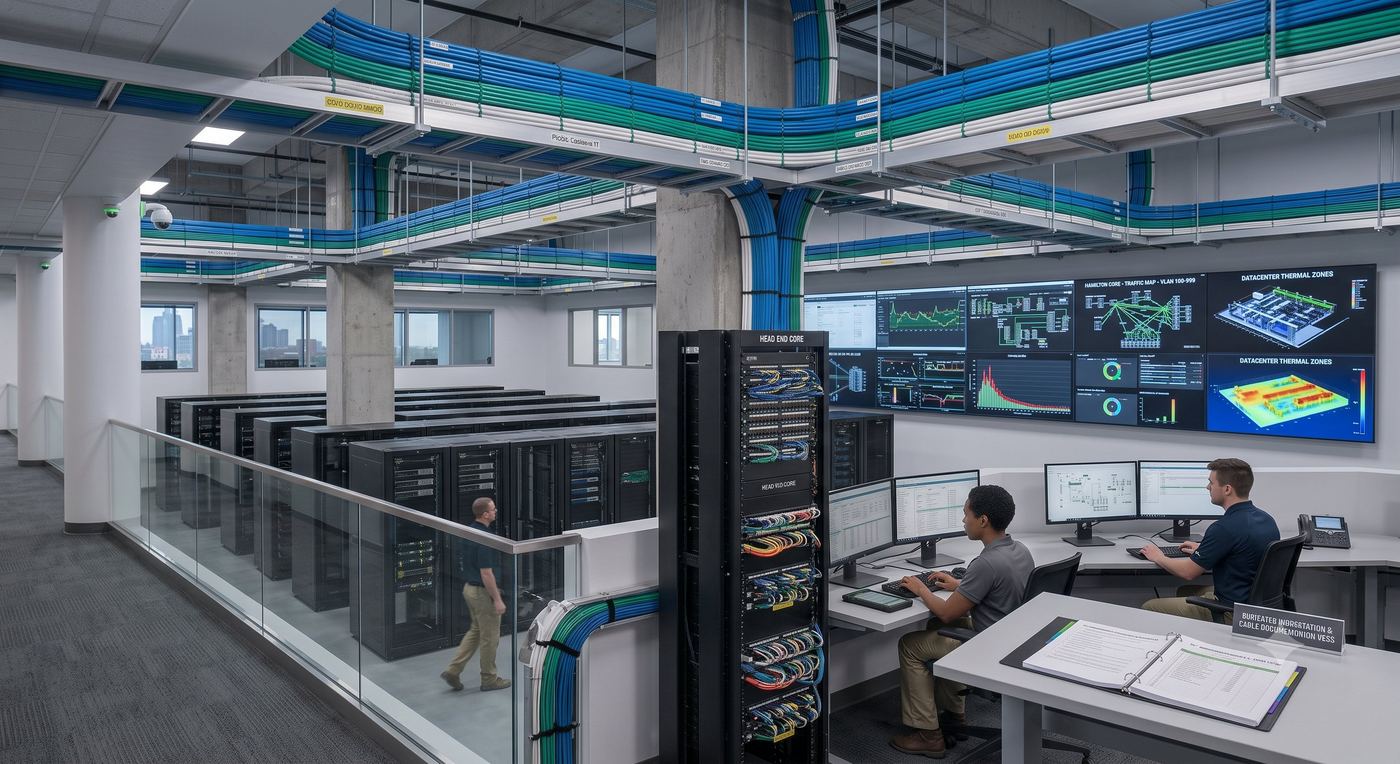
Clean rack work, labeled patching, UPS and the room the client walks last.
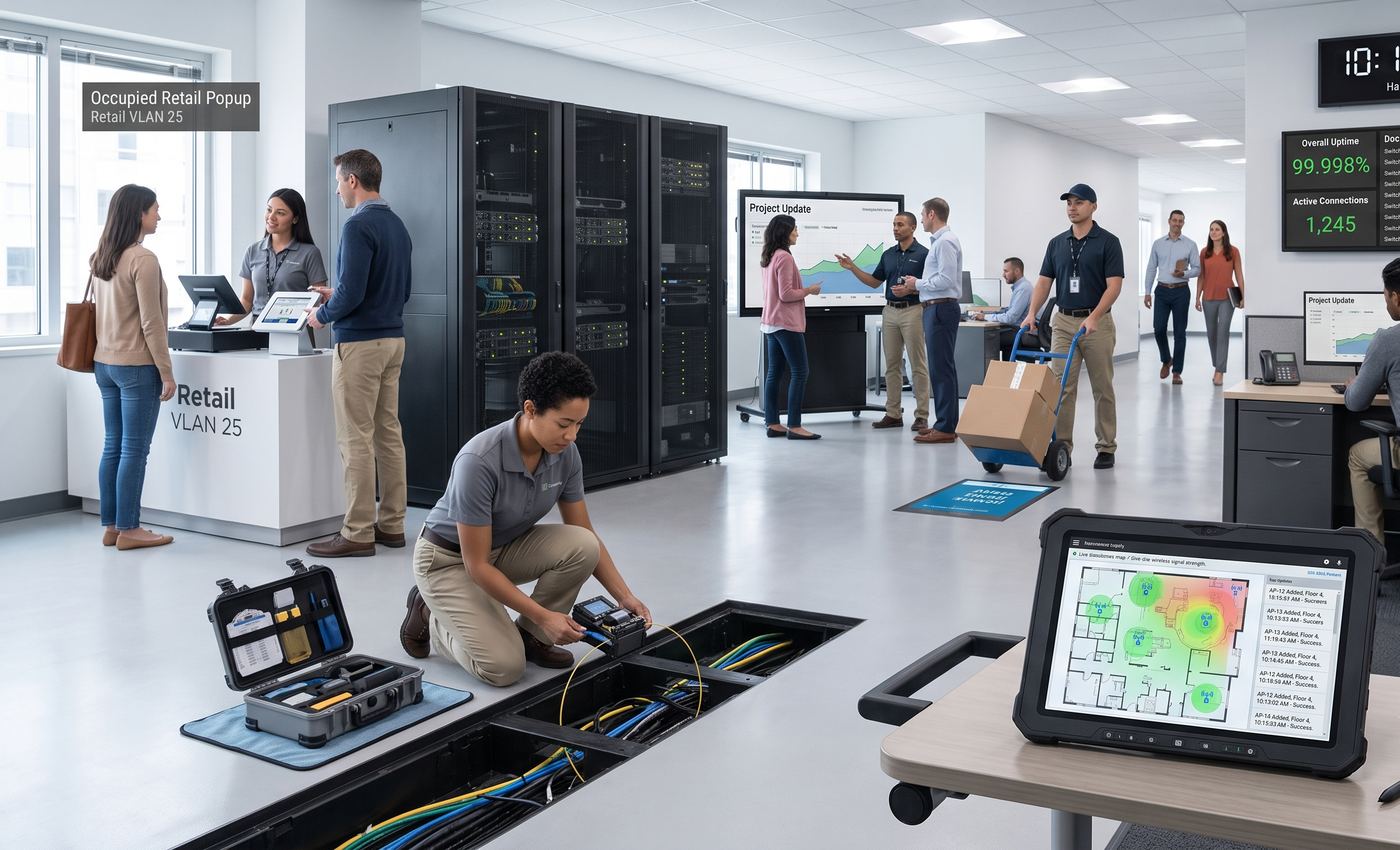
Work that happens when the building is occupied. Quiet, planned, documented.
See the work, not the pitch
Short films of the path: drawings in, doors and devices out, crew on the floor.
AI reads the drawings. Scope, BOM and devices land in the job.
Built for the integrator who still has to finish the job.
Get the hours back that used to disappear into office calls.
The path from chaos to commission — then CFIN.
Sales & estimates
Price the job from the drawing. Then run it.
Sales is its own desk inside ProjectGuider. A new estimate does not need an existing project. Upload the PDF or photos, let PG AI read the set, then send a letterhead quote. When the client approves, convert it into the live job.
1 · Extract
Drawings in
PDF or JPEG, up to 10 pages for 3 PG AI credits. Doors, card readers, door contacts, REX, strikes, cameras, switches and the other devices on the sheet.
2 · Price
Letterhead out
Edit the lines, add labour and a materials lump sum. Your margin stays on the internal copy. The client PDF shows sell prices and totals only.
3 · Convert
Approved becomes the job
One step turns the approved estimate into a ProjectGuider project, with the same devices ready for tasks, BOM and the field path.
What the estimate can hold
- ✓ Access, intrusion, CCTV, network and general building lines
- ✓ Your price book, plus custom items
- ✓ Ask PG AI to fill a line (1 credit)
- ✓ Change orders after approval, through to the final invoice
- ✓ Company terms on every client PDF
Premium
Sales, letterhead PDFs and email-to-client are on the Premium plan. Free, Basic and Standard can run the job. They do not open the estimate desk. A drawing extract is 3 credits. The client PDF and the email are 1 credit each.
See plansPricing
Launch plans. Built to stay affordable.
Start free — run the job by hand with 3 AI credits a month. Paid plans add more credits. Standard includes a 5-day trial on Stripe. AI packs are one-time.
Free
$0/mo
3 AI credits / month
Try the path on one job. No card.
- ✓ 12 phases, notes and photos
- ✓ Run the job by hand
- ✓ 3 AI credits / month (one drawing extract)
- ✓ No Sales estimates
Basic
$3.99/mo
15 AI credits / month
For a tech or PM running their own jobs.
- ✓ Everything in Free
- ✓ Unlimited projects, BOM and exports
- ✓ 15 AI credits — about five extracts
- ✓ Field notes that stay on the phone
- ✓ No Sales estimates
Standard
$5.99/mo
30 AI credits / month · 5 days free
For a small crew that has to stay aligned.
- ✓ Everything in Basic
- ✓ 30 AI credits — drawings, checklists, Ask PG AI
- ✓ Team collaboration and owner approvals
- ✓ Web portfolio so the PM can see the board
- ✓ No Sales estimates
Premium
$7.99/mo
50 AI credits / month
The plan that prices the job, then builds it.
- ✓ Everything in Standard
- ✓ Sales estimates — drawings in, doors and devices out
- ✓ Letterhead quotes: scope, labour, lump-sum (margins stay internal)
- ✓ Ask PG AI to fill the estimate (2 credits)
- ✓ Convert an approved estimate into a live project
- ✓ 50 AI credits + client read-only share + priority support
AI credit packs
About 3 drawing extracts
Best hook pack
Shop drawings + commissioning month
After Stripe payment the app grants credits when the webhook is connected on Emergent. Until then, email projectguiderofficial@gmail.com with the Stripe receipt and we credit the account.
PM Portfolio
Your Projects
Same language as the app: search, current phase, next step. This is the PM desk only. Drawings, commissioning Excel, day sheets and Ask PG AI stay in the app.
Sign in to open the portfolio
Same Firebase project as the app. Email/password works today. Google sign-in works on web now; the APK needs the SHA fingerprints already added.
Contact
Talk to the experts who built this.
Field questions get field answers — not a ticket queue.
Call · 1-888-PRO-JECT (776-5328)
Email · projectguiderofficial@gmail.com
Website · projectguider.com